How to Get a TikTok Transcript: 4 Ways Compared (2026)
How to get the transcript of a TikTok video: captions, typing it out, Whisper, or a paste-the-link tool. What each misses, and which one to use.
A TikTok transcript isn't the same thing as TikTok captions, and most guides treat them as one. Captions are what a creator chose to burn onto the video. A transcript is every word in it, spoken and written, in order, as text you can copy. If you want to know how to get the transcript of a TikTok video, that difference decides which method works, because TikTok itself only gives you the first one.
This guide compares the four real options side by side, including the one layer of text that almost every tool quietly drops.
TL;DR
TikTok has no built-in transcript you can copy or download. Its auto captions only exist if the creator switched them on while editing, and viewers can only toggle them, not export them. To turn a TikTok video to text you have four options: read the captions, type it out, run the file through Whisper, or paste the link into a transcript generator like our free TikTok transcript tool. The catch: a TikTok carries two text layers (what's said and what's written on screen), and audio-only transcription misses the second one entirely. If you're studying why a video worked, the six hook patterns behind winning openers are usually sitting in that on-screen layer.
What TikTok actually gives you (and doesn't)
TikTok's auto captions are a creator-side feature. When someone uploads or records a video, they can select auto captions on the editing page, and TikTok transcribes the speech into subtitles that appear on the video. The creator can edit the words afterwards. Viewers get one control: turning those captions off or on from the share panel or their accessibility settings.
Two consequences matter if you're trying to get text out of a video.
First, if the creator never enabled captions, there's nothing to read. Second, even when captions exist, there's no transcript view and no copy button. You can watch the words go by. You can't lift them.
That's why "how do I get the transcript" is one of the most common questions under TikTok's own search results, and why an entire category of third-party TikTok transcript generators exists.
The two-layer problem nobody mentions
Here's the thing: a TikTok isn't one stream of text. It's two.
The spoken layer is everything said out loud: voiceover, dialogue, the talking head. This is what captions and speech-to-text tools capture.
The on-screen layer is everything typed onto the video: the text hook in the first frame, the numbered list that builds up, the "wait for it" at second four, the punchline that's written but never said. Plenty of the best-performing formats carry most of their message here. Faceless videos, list videos, and silent B-roll with text overlays can have an almost empty spoken layer.
Call it the two-layer transcript: spoken text plus on-screen text, in the order a viewer meets them. A transcript that only has the first layer can make a strong video look like it says nothing. Keep that in mind as you read the comparison, because it's the column most tools would rather you didn't look at.
The four ways to get a TikTok transcript, compared
| Method | Spoken text | On-screen text | Speed | Cost | Best for |
|---|---|---|---|---|---|
| Read TikTok's captions | Only if the creator enabled them | No | Real time | Free | One quick quote |
| Type it out while watching | Yes | Yes, if you catch it | 5 to 15 min per video | Free | A single short video |
| Whisper (OpenAI's open-source model) on a downloaded file | Yes, and accurate | No | Minutes, plus setup | Free, needs a computer and the file | Bulk audio work, offline |
| Paste the link into a transcript generator | Yes | Depends on the tool | Seconds | Usually free per video | Studying videos at scale |
1. Read the captions TikTok already shows
Turn captions on in Settings and privacy, then Accessibility, or tap the captions control on the video itself. If the creator enabled auto captions, you'll see the spoken words on screen. You're still reading, not copying, so this only works when you need a line or two.
2. Type it out yourself
Pause, type, rewind, repeat. It's slow, but it's the one free method that can capture both layers, because your eyes catch the text overlays. For a 20-second video it's fine. For ten videos it's an afternoon.
3. Run the audio through Whisper
Whisper is OpenAI's open-source speech recognition model, and it's genuinely accurate on clear speech. You need the video file on your machine and a way to run the model, either locally or through an app built on it. You get excellent spoken text with timestamps. You get nothing from the on-screen layer, because Whisper only hears.
4. Paste the link into a TikTok transcript generator
This is what most people end up doing. Copy the video link from the share menu, paste it into a tool, and the text comes back in seconds. The difference between tools is almost entirely the two-layer question: most return the spoken layer only. Our TikTok transcript tool returns the spoken text, the on-screen text, a breakdown of the hook, and the music, with no account needed for your first transcript of the day. It works on public videos; photo slideshows have no video to transcribe.
Which method to use
Pick by what you're doing with the text.
- Quoting one line: read the captions.
- Captioning or translating your own video: Whisper, because timestamps matter and you already have the file.
- Studying someone else's video: a two-layer tool, because the on-screen hook is usually the part worth studying.
- Studying a whole niche: a tool plus a system. Ten transcripts in a spreadsheet beat one transcript you read twice.
That last one is where transcripts earn their keep. A single transcript tells you what one creator said. Twenty transcripts from the same niche show you the openers that keep repeating, which is the whole method behind reverse-engineering a competitor's reels.
Using a TikTok transcript without copying it
A transcript is research, not a script to paste. The useful move is to separate structure from words: note the hook pattern, where the turn happens, and how it closes, then rebuild that structure around your own story. If you post the same video on Instagram too, repurposing a TikTok for Reels covers what to change so it doesn't read as a lazy repost.
If you want ready-made openers to rebuild, these TikTok hooks sorted by format are organized by the kind of video you're filming.
Frequently asked questions
Can you get a transcript of a TikTok video for free?
Yes. You can read the auto captions if the creator enabled them, type it out by hand, run the file through Whisper, or paste the link into a free transcript generator. The free tools differ mostly in whether they also capture the on-screen text, not just the speech.
Does TikTok have a built-in transcript feature?
Not one you can copy or export. TikTok's auto captions are turned on by the creator while editing, and viewers can only show or hide them. There's no transcript panel and no download option, which is why third-party TikTok transcript generators exist.
How do I convert a TikTok video to text without downloading it?
Paste the video's link into an online TikTok transcript generator. The tool fetches the public video itself and returns the text, so nothing lands on your device. Downloading is only necessary if you want to run your own model such as Whisper.
Why is my TikTok transcript missing the text on the screen?
Most transcript tools only process audio, so words typed onto the video as overlays never make it into the output. Use a tool that reads the video frames as well as the audio, or add the on-screen text by hand while watching.
Turning transcripts into your own videos
Doing this by hand looks like this: find ten videos in your niche that clearly outperformed, pull the transcript of each, mark where the hook ends, and sort the openers by pattern. It works. It also takes most of a Saturday, and by the time you've finished the list, the niche has moved on.
CreatorHouse runs that loop for you: it tracks the creators in your niche, transcribes their best videos in both layers, surfaces the hooks that keep winning, and turns them into scripts written in your voice.
Read more
TokScript Alternative: Which Transcript Tool Fits (2026)
Looking for a TokScript alternative? Pick by the job: bulk transcripts, on-screen text, or turning competitor reels into your own scripts.
How to Get the Transcript of Any Instagram Reel (2026)
Four ways to get an Instagram Reel transcript — captions, typing, Whisper, one-paste tools — compared by speed, accuracy, and volume.
How to Repurpose TikTok to Reels Without the Originality Penalty (2026 Workflow)
Instagram penalizes reposts with a TikTok fingerprint. The 2026 TikTok-to-Reels workflow: what to strip, what to add, and the 5-minute pre-publish check.
Real reels, analyzed
See the full transcript, hook, and shot-by-shot breakdown behind viral reels — then turn any of them into your own script.
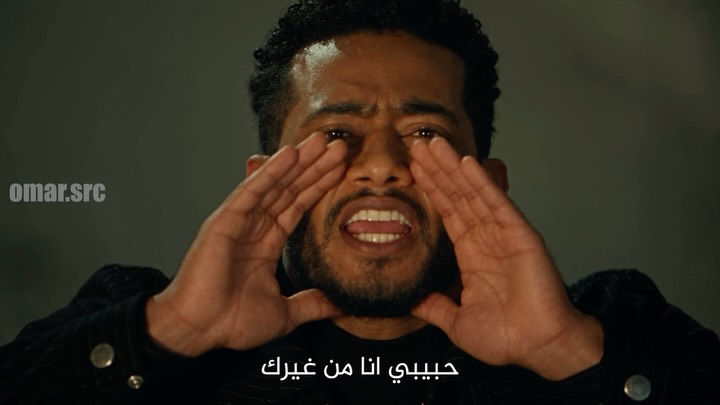 @omar.src376.7KHabibi, I am nothing without you. Like a country without police. Like France without Paris. Like a suit without a shirt.View breakdown
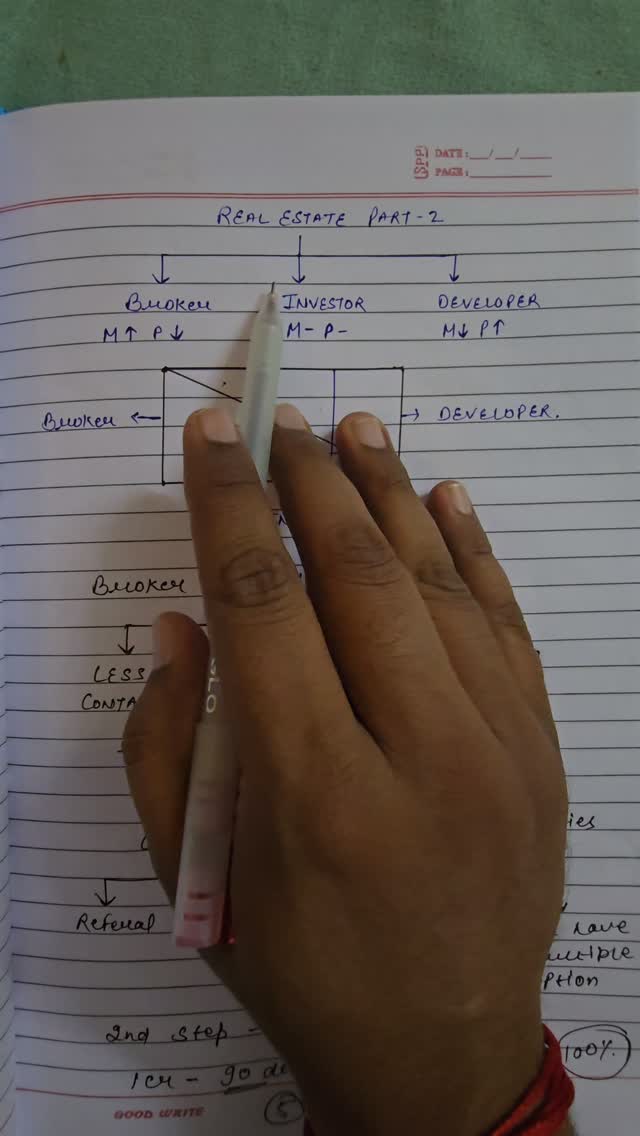 @rupeeraftar217.4Kरियल एस्टेट मार्केट में एक ब्रोकर पैसे कैसे कमाता है और कैसे वह ब्रोकर से इन्वेस्टर इन्वेस्टर से डेवलपर बनता हैView breakdown
 @modelstrangers392.6KExcuse me, sir. Sorry to bother you. My name's Chris and I'm a portrait photographer. I just thought you had a really interesting look.View breakdown