@colton.ai.dean's reel — transcript & breakdown
Plays
1.2K
Likes
9
Comments
11
Engagement Rate
1.65%
Create your own version
Use this post as inspiration to create your own
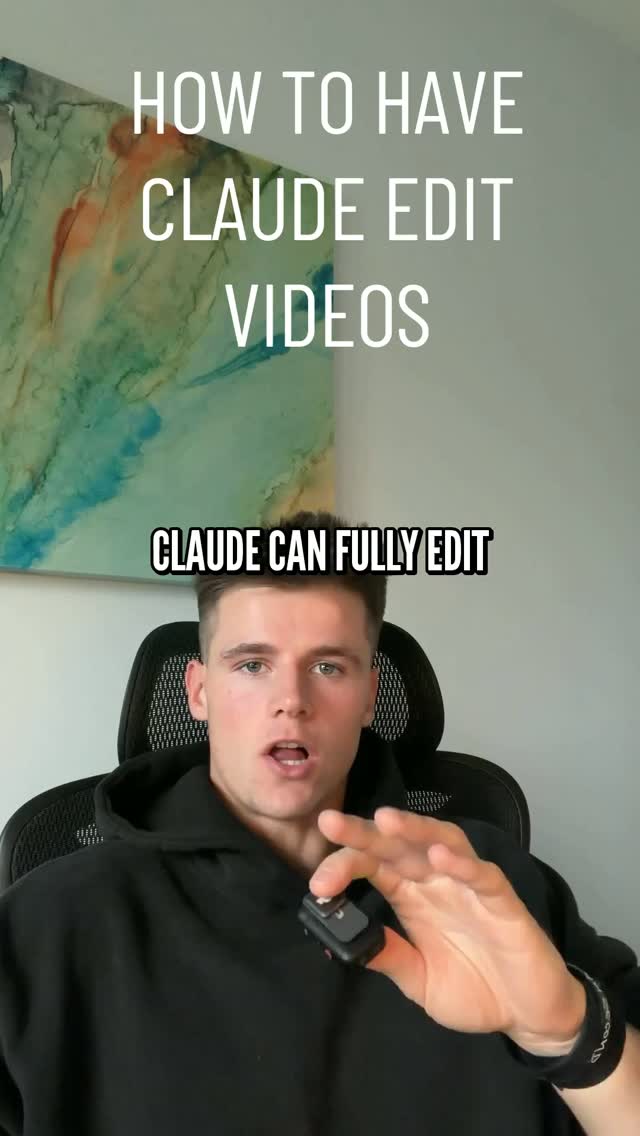
Caption
Comment “AI” for the tool and setup #aitips #claude #ai #videography #videoeditor
Details
Create your own version
Use this video as inspiration to create a new script
Hook
Claude can fully edit videos now, and it's what's editing this video right now.
The video starts with a bold claim about Claude's editing capabilities, immediately grabbing attention and establishing the main topic.
“Claude can fully edit videos now, and it's what's editing this video right now.”
Introduces the open-source tool Hyperframes and how Claude utilizes it for animation and cutting dead space, showcasing practical application.
“This tool is called Hyperframes. It's open source and free to use, and Claude uses it to build the animations and put all the clips together and also cut out the dead space.”
Provides a step-by-step guide on how to install and set up Hyperframes and Whisper within Claude, making the process seem easy and accessible.
“Here's the easy setup. You just take its GitHub URL and put it in your Claude and just install it. Then install Whisper so that it can transcribe everything that you give it.”
Demonstrates Claude's ability to automate core editing tasks like cutting dead space and mistakes, highlighting efficiency and time-saving benefits.
“Then step two is to have it cut out all the dead space and every mistake or retake that you had.”
Explains how users can verbally instruct Claude on editing preferences, emphasizing the AI's understanding and customizable output.
“And then you just want to explain it how you want the video edited. For example, I'm going to tell this video that I want animations above me showing what I'm talking about.”
Summarizes the final step of the process, including frame review and rendering, reassuring viewers about the quality control.
“Your last step in having these videos edited is you want to make sure that it screenshots all the frames and fixes anything that looks off before it finally renders it and gives it to you.”
A direct call to action encouraging engagement by asking viewers to comment 'AI' for more detailed information, increasing interaction and potential virality.
“If you want more of a breakdown and the exact stuff that I said in this video, just comment the word AI on this video. I'll send the tool and setup.”
Details
More viral reels, analyzed
 @megumi_kanzaki1.3M25歳をピークに毎年約1%ずつ減少しているコラーゲンView
 @culteapp3.1K40 MESSAGES POUR ORGANISER UNE RÉPÈTE ?View
 @rahul_.basavaraj831.3KSo, I make videos online which helps peopleView
 @clickbylakhan288.1KHello, editors. I'm giving you a normal video. You just need to do the color grading.View
 @ur.zarha2.4Mkisi aisi mainu Takya nighaan mainu Takya hoye dil sakeya geya pair de rakheya Mere dii rahiii Mere vass rahiiView
 @i5ubha274.4KSo, hello editor. My normal raw video de raha hoon. Aap log bas color grading karke dena. Jiska color grading badhiya hoga, bas usi ka collab hoga.View