Instagram Reel Captions That Convert: 40 Templates (2026)
40 Instagram reel caption templates that convert in 2026 — sorted by intent (save, share, DM, link click). The structure converts, not the words.
Wednesday, 1:14pm. A founder I work with has a reel doing 47k views and zero saves. The hook landed. The middle landed. The caption ended with "Comment LINK below." She got 4 comments. Three were spam.
The caption isn't an afterthought. It's the action layer. The reel earns the watch; the caption earns the behavior — the save, the share, the DM, the click. Most "high-engagement" reels in 2026 are losing this layer because the caption was written in 30 seconds at the end of editing, in the same template the creator's been using since 2023.
This post is 40 caption templates sorted by intent (save, share, DM, link click), with the pattern logic underneath each. Pick the intent your reel is built for. Adapt 5 templates into your voice. Stop writing "Comment LINK below."
TL;DR
40 Instagram reel caption templates for 2026 — 10 each for: drive saves, drive shares, drive DM replies, drive link clicks. The pattern by intent: saves win on "this is the reference you'll come back to" framing; shares win on "send this to the friend who needs it" specificity; DMs win on a single open-loop question; link clicks win on a tight stake + concrete next step. Generic CTAs ("Drop a comment below," "Tag a friend") underperform every one of these patterns by 3-8x in 2026.
Why captions matter more in 2026 than they did in 2024
Two algorithm changes shifted the weight on captions:
- The 2025 originality update started reading captions as content (not metadata). AI-pattern captions trigger the same flag as AI-pattern audio. A great reel with a cliché caption gets capped.
- The 2026 saves/shares re-weighting moved saves and shares above likes and comments in the ranking signal. The caption is the layer where saves and shares are won — they don't happen because of the video, they happen because of how you frame what to do with the video.
A caption that earns 1 save out of 100 viewers vs. 1 save out of 30 viewers is the difference between a reel that compounds and a reel that flatlines. The video drives the impression; the caption drives the algorithmic signal back.
Intent 1: Drive saves (10 templates)
Saves happen when the viewer thinks "I'll need this later." The caption's job is to make "later" specific.
- Bookmark this for the next time you [specific situation].
- The 3-line version: [tight summary]. Save for later.
- I'll be back in this caption in 6 months when you ask me how I knew.
- Save this if your [specific goal]. Skip it if [opposite].
- The comment from someone who tried this is in the replies. Save before you forget.
- This is the screenshot version of the reel. Save the screenshot, not the reel.
- [Specific number] people saved this last week. The 2 things they all asked me afterward are in the next post.
- Reference for next time you're [specific situation]. No need to ask the question.
- The full version is 14 minutes. The save-version is in this caption.
- Save this. You won't remember why in 3 weeks. That's the point.
The save pattern is "here's the reason 'later' will matter." Generic save CTAs ("Save for later!") don't work because they don't name which later.
Intent 2: Drive shares (10 templates)
Shares happen when the viewer thinks of a specific person who needs to see this. The caption's job is to name that person without naming a person.
- Send this to the friend who [specific behavior].
- Tag the person you've been trying to explain this to for 6 months.
- Share this with someone who has been [specific struggle] longer than they should have.
- The "I'm not gonna name names but you know who" reel.
- Send this to your [partner/coworker/sibling] before you have the conversation again.
- If you've been the one explaining this for too long, share this and let me explain it.
- The friend you're sending this to is going to text you back. That's the point.
- Share with the [specific role] in your life who needs to hear this from someone other than you.
- This is the receipts version. Share it.
- Send this to the version of yourself from 3 years ago.
Share patterns name a relationship dynamic, not a generic "your friends." The specific is the share.
Intent 3: Drive DM replies (10 templates)
DMs are the highest-quality engagement signal in 2026. The caption's job is to open a single, answerable loop.
- DM me the [specific number] from the reel and I'll send you the [specific resource].
- The [thing in reel] is the short version. The long version is in DMs if you ask.
- I'm running [specific test/cohort/group]. DM me [keyword] if you want in.
- There's one thing I cut from this reel because it didn't fit. DM me if you want it.
- DM "[specific word]" and I'll send you the [resource].
- If you've been stuck on [specific problem], DM me one sentence about where you're stuck. I'll reply by [day].
- Comment "[word]" or DM me — either works.
- I'm answering 3 DMs about this today. Be one of them.
- DM me your [specific thing] and I'll tell you if it's working.
- The follow-up reel is in DMs only. Ask.
The DM pattern is one specific keyword or one specific question. Multi-step DM CTAs lose 70% of would-be repliers between step 1 and step 2.
Intent 4: Drive link clicks (10 templates)
Link clicks are the hardest reel-driven action. The caption's job is to make the click feel like a small natural next step, not a sales pitch.
- The full [thing] is on my site. Link in bio.
- I broke the [thing in reel] into a 4-minute read. Link in bio.
- [Specific tool/resource I mentioned] is linked in bio.
- The [thing] I made for this exact problem is in bio. $0.
- The 30-second version is in this reel. The 6-minute version is on my site (link in bio).
- If you're [specific persona], the [resource] in my bio was made for you.
- The transcript of this reel + the 3 things I cut are in bio.
- The next step after this reel is the [resource] in bio. 4 minutes.
- Link in bio leads to the version I'd send my sister.
- If this reel saved you 10 minutes, the [resource] in bio saves you a week.
The link-click pattern is a specific, low-friction next step. "Link in bio" alone fails. "Link in bio for [specific resource], [specific length], [specific outcome]" wins.
Picking the right intent for your reel
Most reels can drive any of the 4 intents, but only 1 well per reel. Pick before you write the caption, not after.
- Educational reel where viewer can apply later → drive saves.
- Relatable reel where viewer recognizes someone → drive shares.
- Personal reel that opens a question → drive DMs.
- Demonstration reel that points at a fuller resource → drive link clicks.
Mixing intents ("Save this AND share this AND DM me!") tells the algorithm the caption isn't sure what it wants. The algorithm picks none. Pick one.
The first line of the caption is a second hook
Instagram truncates captions at ~125 characters in the feed view. The line above the "more" link is what most viewers see. It's the second hook of the reel.
Bad: "Hey friends! 👋 Today I'm gonna share with you 5 tips that have changed my life..."
Good: "I had 800 followers in March. By April: 4,200. The thing I changed was on day 9."
Treat the first line of the caption as a separate hook from the reel hook. They reinforce each other, but they're two different jobs.
How CreatorHouse generates captions for your intent
Writing 4 caption variants per reel and tagging them by intent is the part of the work that gets tedious by reel 30. CreatorHouse generates 4 caption candidates per reel — one for each intent — drawn from the patterns above and matched to your niche's voice. You pick the one that fits the reel and ship it.
Frequently asked questions
What's the best Instagram reel caption template that converts in 2026?
There isn't one. The pattern that converts depends on which behavior you want — save, share, DM, or link click. Saves win on "specific later" framing; shares win on "specific person" naming; DMs win on a single open loop; link clicks win on a tight stake + concrete next step. Pick before you write.
Should I use emojis in reel captions in 2026?
Sparingly and intentionally. One or two emojis used as punctuation or visual anchors can lift readability. A caption with 5+ emojis reads as low-effort and tracks with lower save rates in our March 2026 sample. The pattern: emojis in section breaks (✦ or 🎯), not in every line.
How long should an Instagram reel caption be?
Short captions (30-80 words) outperform long ones (200+) for save and share intent. Long captions outperform short ones for DM and link-click intent because the extra context earns the click. Match length to intent: short for save/share, longer for DM/click.
Do hashtags still matter in reel captions in 2026?
Marginally. 3-5 niche-relevant hashtags is the sweet spot in 2026. The originality update reduced the impact of hashtags by ~40% relative to 2024 — they help with niche signal, not with reach. Don't pad to 30 hashtags; the algorithm reads it as low-quality.
What's the worst CTA in Instagram reel captions?
"Comment LINK below" or any variant where the caller has to manually reply with a keyword to receive a DM auto-response. The friction is too high, the spam pattern is too strong, and the algorithm reads keyword-comment hunts as low-quality engagement.
Related guides
- Instagram Reel Hooks: 6 Patterns That Win in 2026 — the hook patterns that earn the watch the caption converts.
- Instagram Reel Hooks by Niche: 50 Examples (2026) — niche-specific hook examples to pair with these caption templates.
- Hook Rate, Hold Rate, Completion Rate — the metrics the caption can't fix when the reel itself is broken.
- What Is a Good Hook Rate on Instagram Reels in 2026? — diagnose the watch layer before fixing the caption layer.
— Salah
Updates
- 2026-05-10: Initial publication.
Read more
Instagram Reel Hooks for Travel Creators (2026)
40 instagram reel hooks for travel creators — destination, budget & itinerary. See the 4x view gap in our Feb 2026 data and the six patterns behind it.
42 Instagram Reel Hooks for Food Creators (2026)
42 ready-to-adapt Instagram reel hooks for food creators, sorted by the 6 patterns that drive hook rate in recipe, process, and review content.

35 Instagram Reel Hooks for Real Estate Agents (2026)
Real estate hooks that get listings, not likes. 35 examples sorted by what they win you: buyers, sellers, local authority. Built for the 2026 algorithm.
Real reels, analyzed
See the full transcript, hook, and shot-by-shot breakdown behind viral reels — then turn any of them into your own script.
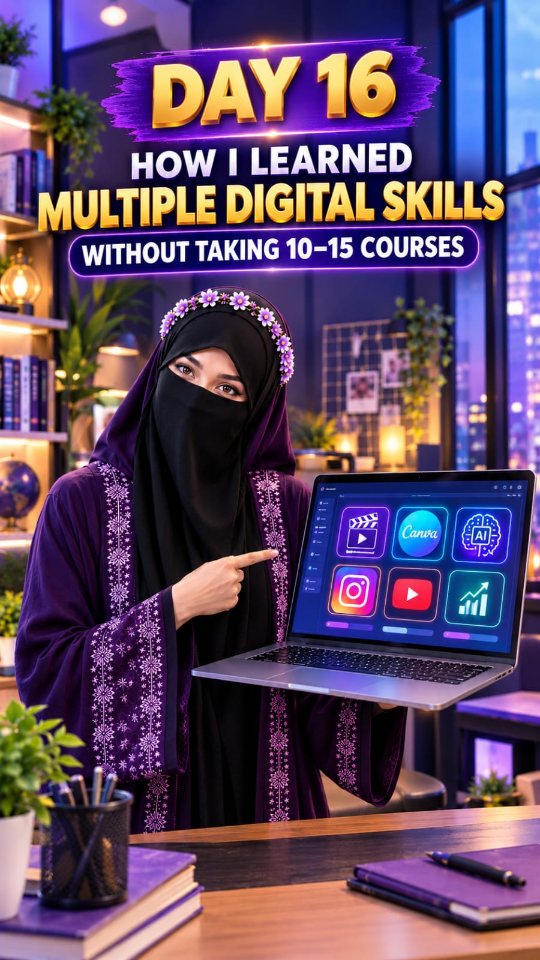 @adswith_nabiya11.1KNabiya Ma'am, ek Secret batao. Aapne itni saari digital skills seekhi kaise? Kya aapne 10-15 courses kiye hain?View breakdown
 @omar.src376.7KHabibi, I am nothing without you. Like a country without police. Like France without Paris. Like a suit without a shirt.View breakdown
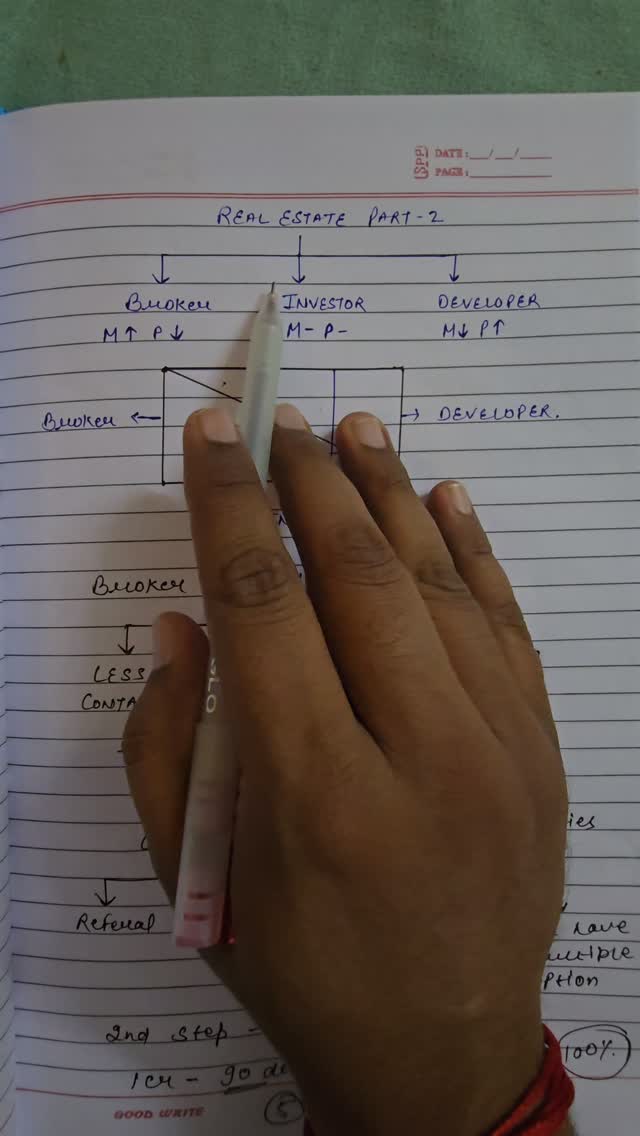 @rupeeraftar217.4Kरियल एस्टेट मार्केट में एक ब्रोकर पैसे कैसे कमाता है और कैसे वह ब्रोकर से इन्वेस्टर इन्वेस्टर से डेवलपर बनता हैView breakdown